A quick second opinion on a single picture
AI-generated images now turn up in social feeds, marketplaces and dating apps. Most detectors sit behind sign-up walls or are built for moderation teams. This one is for anyone who just wants to check one image, quickly.
Free, no sign-up
Open the page and check an image. No account, no email address, no paywall.
Crop to what matters
Draw a box around a face, a hand or a detail, and only that region is checked at full resolution.
Nothing stored
Images are analysed to produce a score and aren't saved afterwards.
Honest results
Every score comes with a reminder that it's a probability estimate, not proof.
Upload, crop, check
The whole check takes a few seconds, right in your browser.
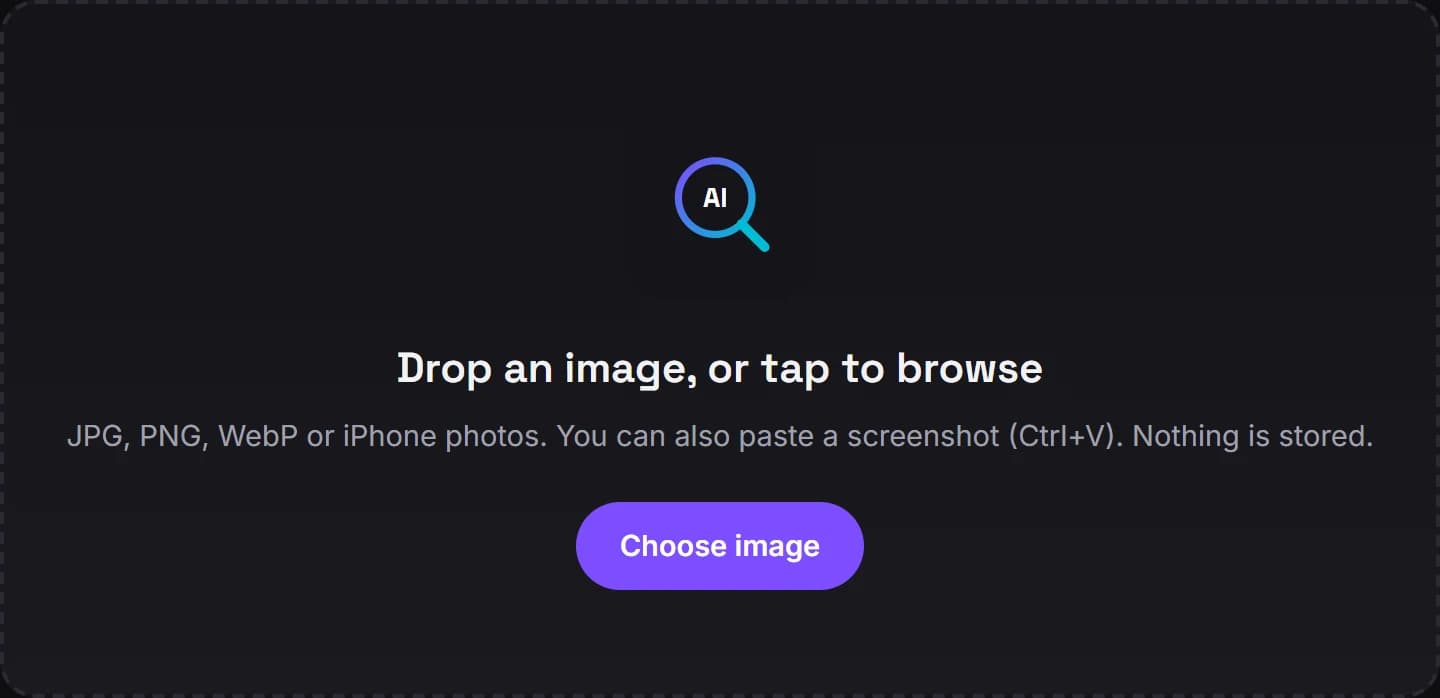 01
01Upload
Drop in a photo or screenshot, or paste one straight from your clipboard. Nothing is stored.
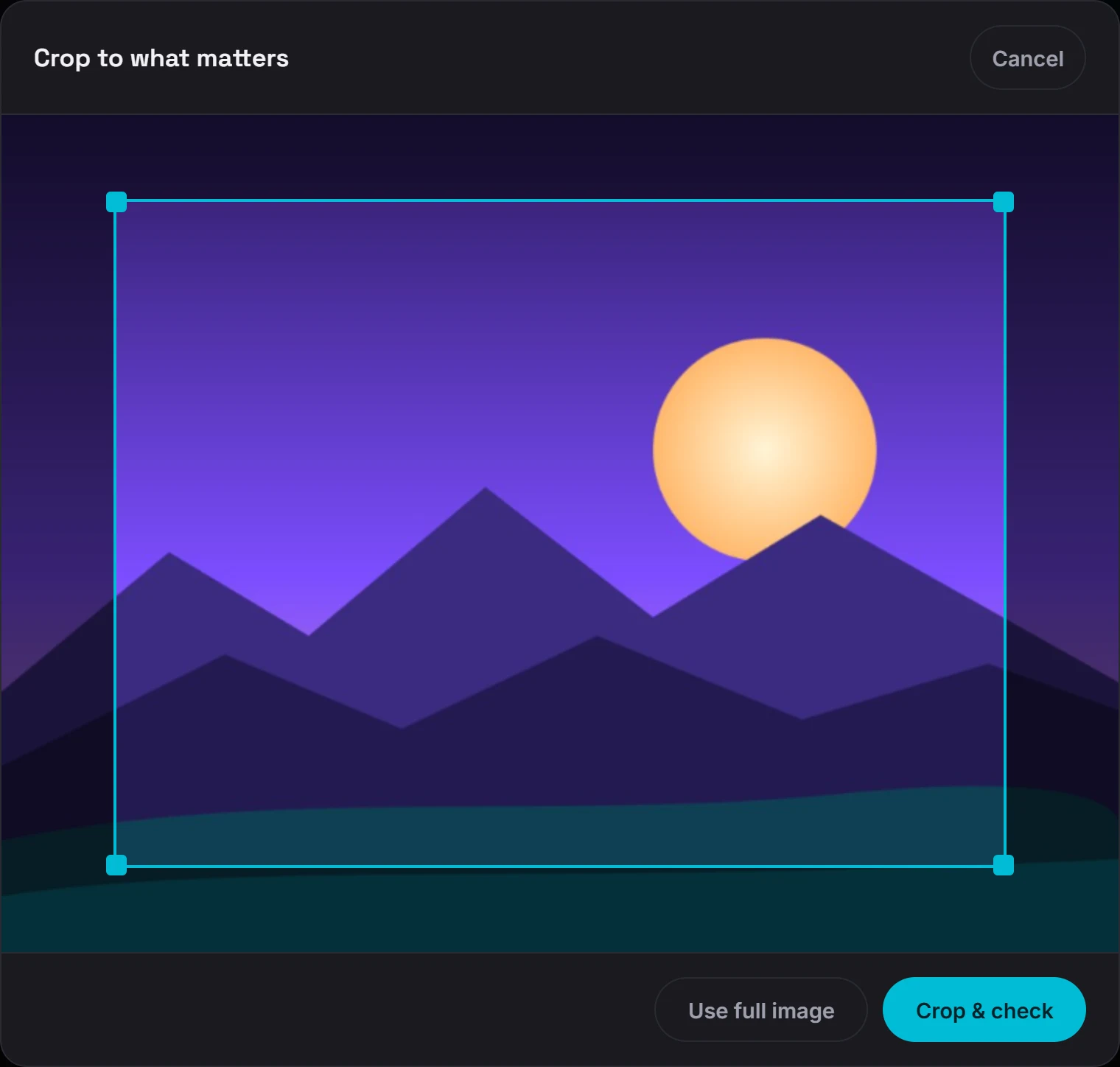 02
02Crop
Drag a box around a face, a hand or any detail that looks off, so only that region is checked.
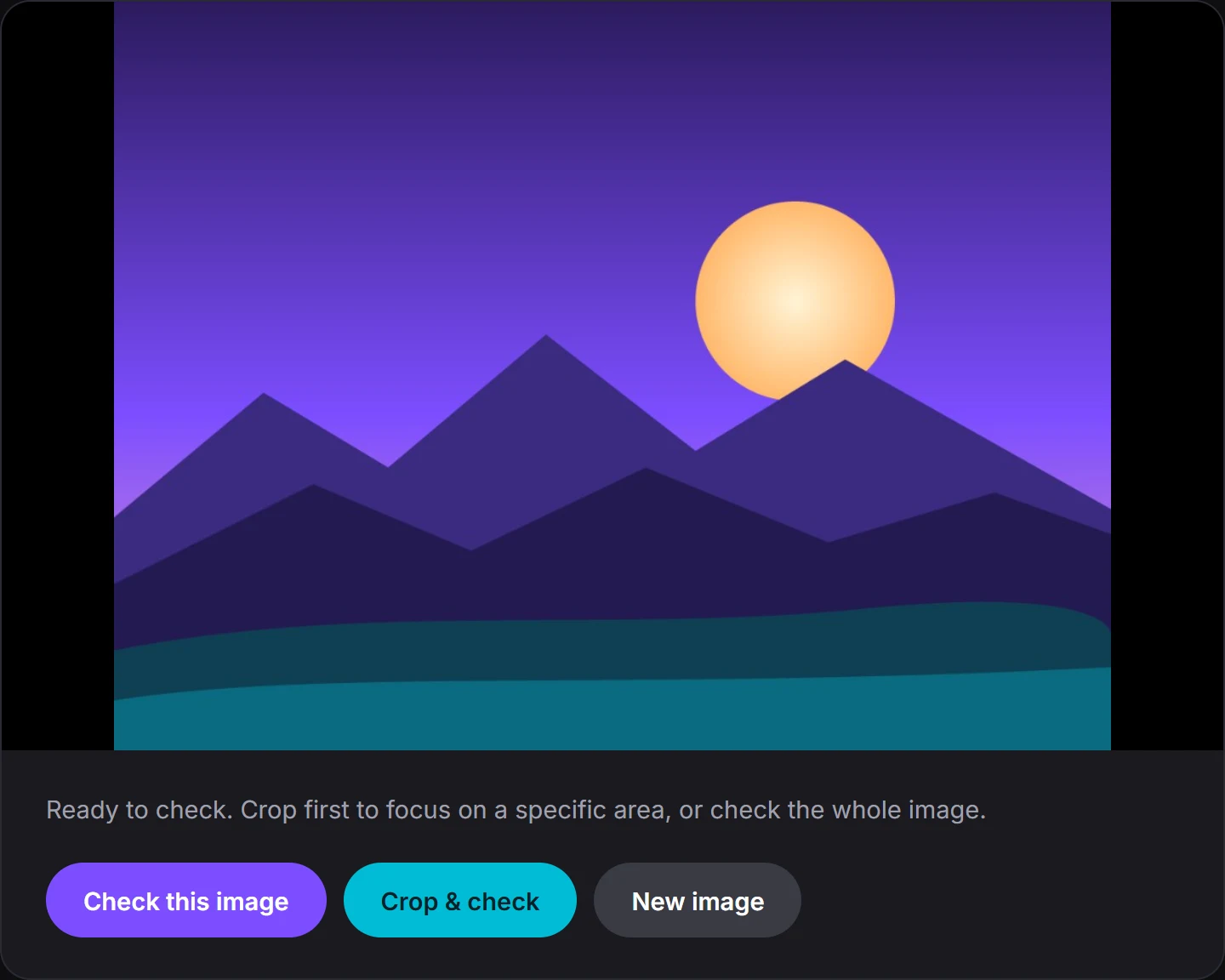 03
03Check
Check the whole image or just your crop, and get an AI-likelihood score in seconds.
No detector is a lie detector
The detector returns an AI-likelihood percentage with a verdict. We'd rather you understand its limits than trust a single number blindly, so treat it as a strong signal and verify anything important.
Accuracy, explained →A probability, not proof
Scores are estimates based on statistical patterns. Heavily filtered or upscaled real photos can score high, and AI images that have been compressed and reposted many times can score low.
What it works on
Photographs, screenshots and digital art in common formats like JPG, PNG and WebP. iPhone photos work in browsers that can read them.
How your image is handled
Your image is resized in your browser, sent over an encrypted connection to be analysed, and not saved afterwards. The details are in the privacy policy.