Three steps, a few seconds
Screenshots from the free AI image detector that these guides refer to.
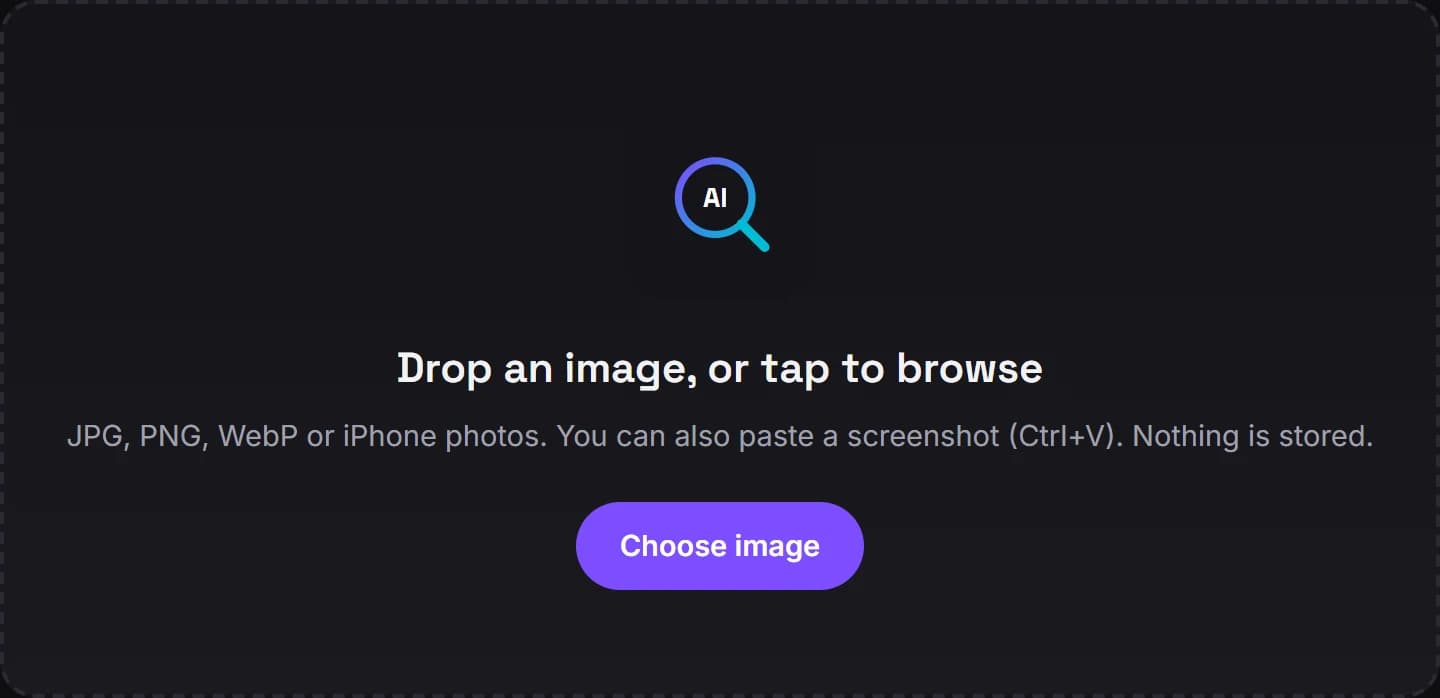 01
01Upload
Drop in a photo or screenshot, or paste one straight from your clipboard. Nothing is stored.
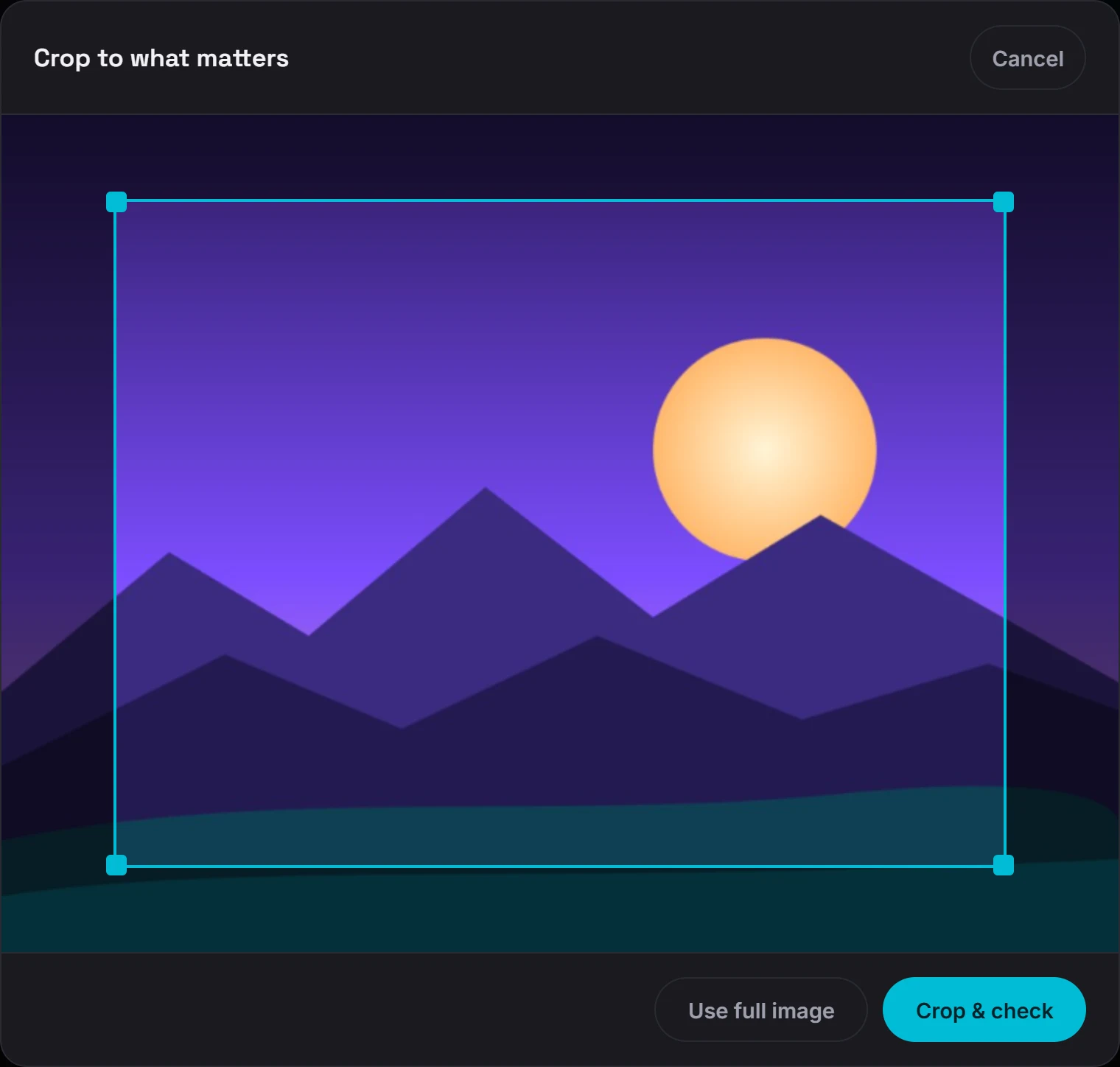 02
02Crop
Drag a box around a face, a hand or any detail that looks off, so only that region is checked.
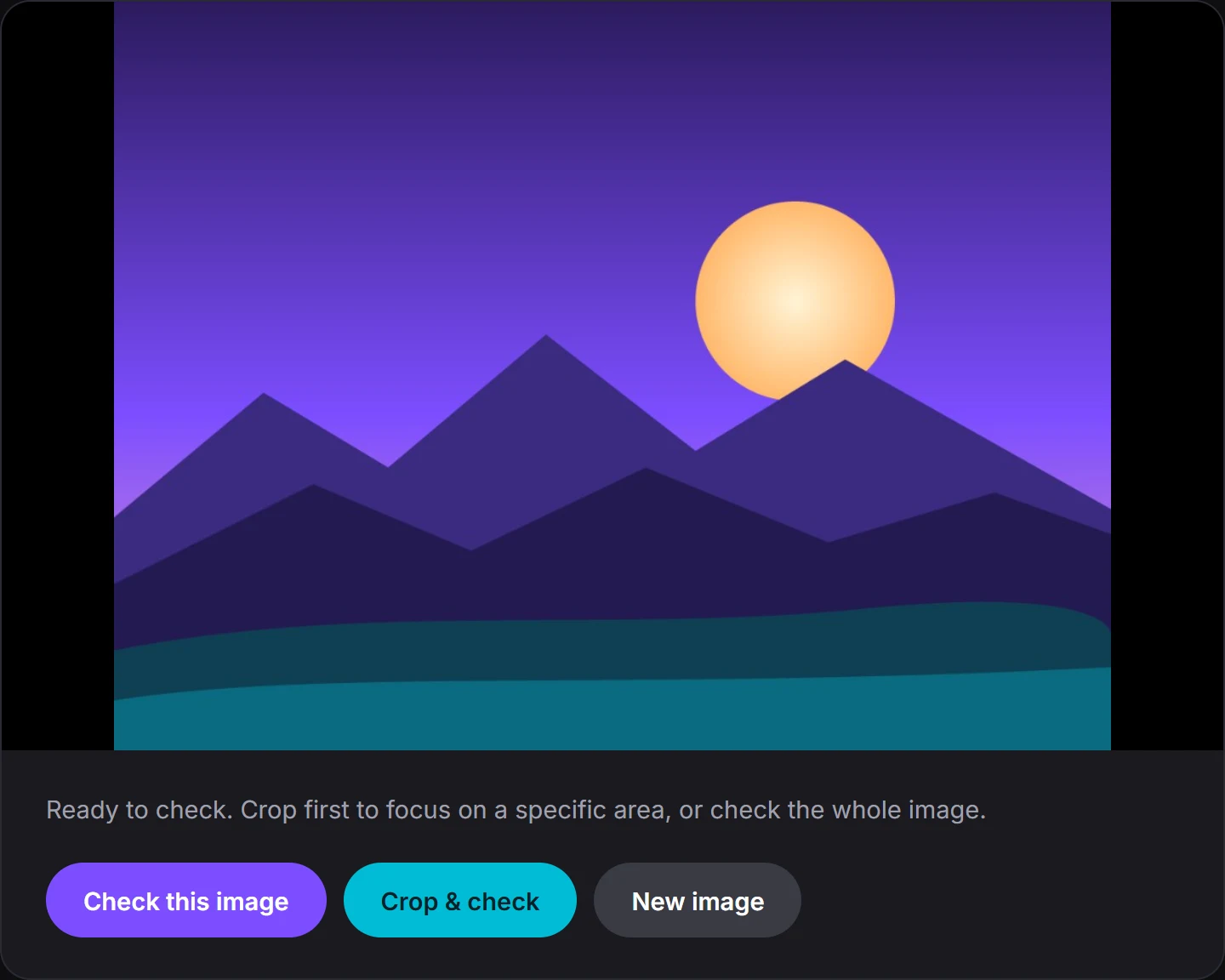 03
03Check
Check the whole image or just your crop, and get an AI-likelihood score in seconds.
Short, practical reads
Start with the tells you can spot by eye, then learn what a detector score really means.
How to spot AI-generated images
The visual tells that give AI images away: hands, text, backgrounds, lighting, and more.
Read the guide →How AI image detectors work
What a detector actually looks at, what the score means, and where detection has limits.
Read the guide →How to check part of an image for AI
Why cropping to a face, hand, or background detail gives a cleaner read than the full picture.
Read the guide →Is this photo of a person real?
A one-minute checklist for profile pictures and portraits: the tells, the crop trick, and when to be suspicious.
Read the guide →AI detector accuracy, explained
What the percentage really means, what causes false positives and negatives, and how to read results responsibly.
Read the guide →Reverse image search + AI check
The two-step verification: find where an image came from, then check how it was made.
Read the guide →Try it on your own image
Upload an image and get an AI-likelihood score in seconds, with a built-in crop tool to check exactly the region you care about. Free, no sign-up.